Edit and listen wherever you write
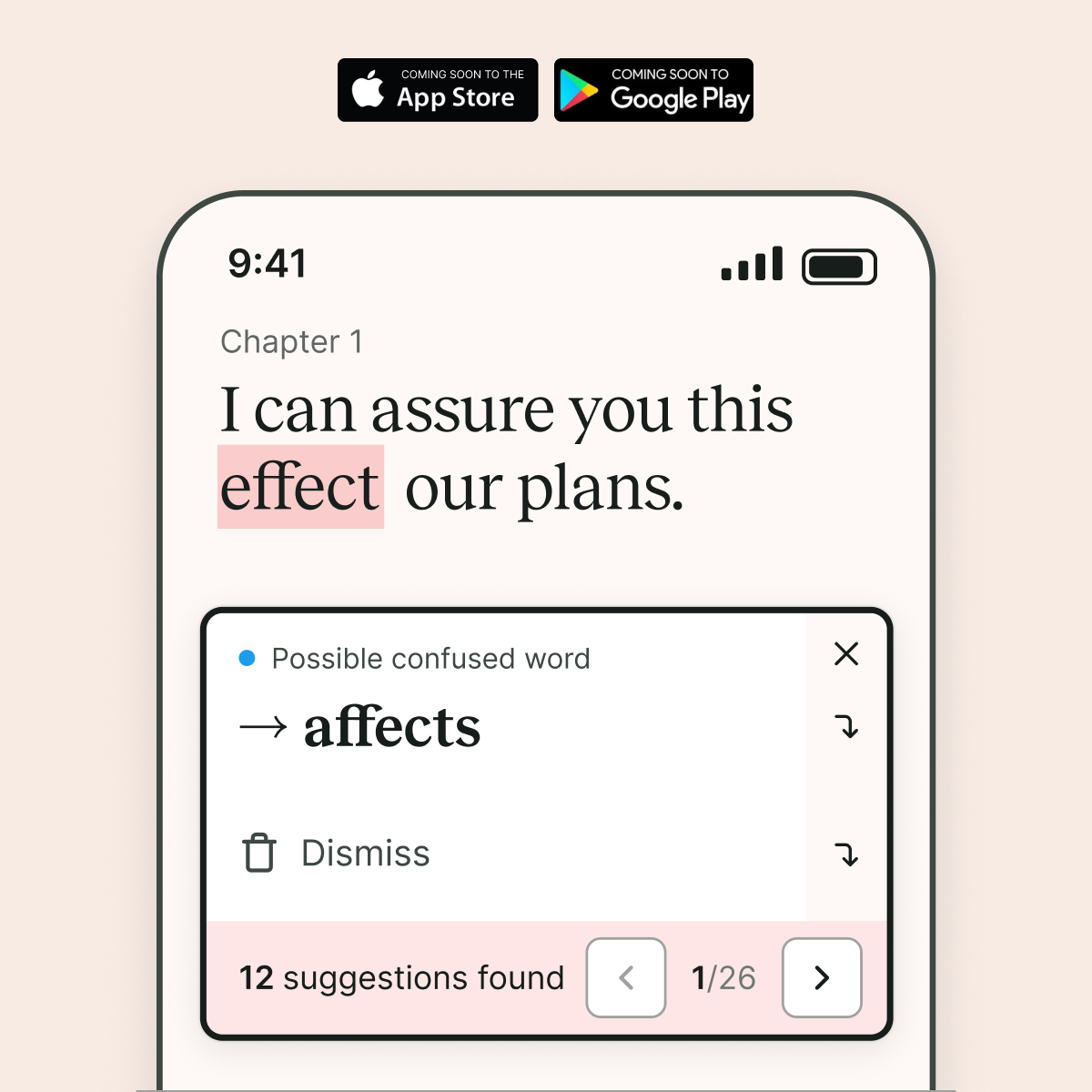
Get ProWritingAid’s suggestions in the mobile apps you already use, review them on your phone, and hear your text read aloud.
More ways to review your writing
Get ProWritingAid’s suggestions in the mobile apps you already use.
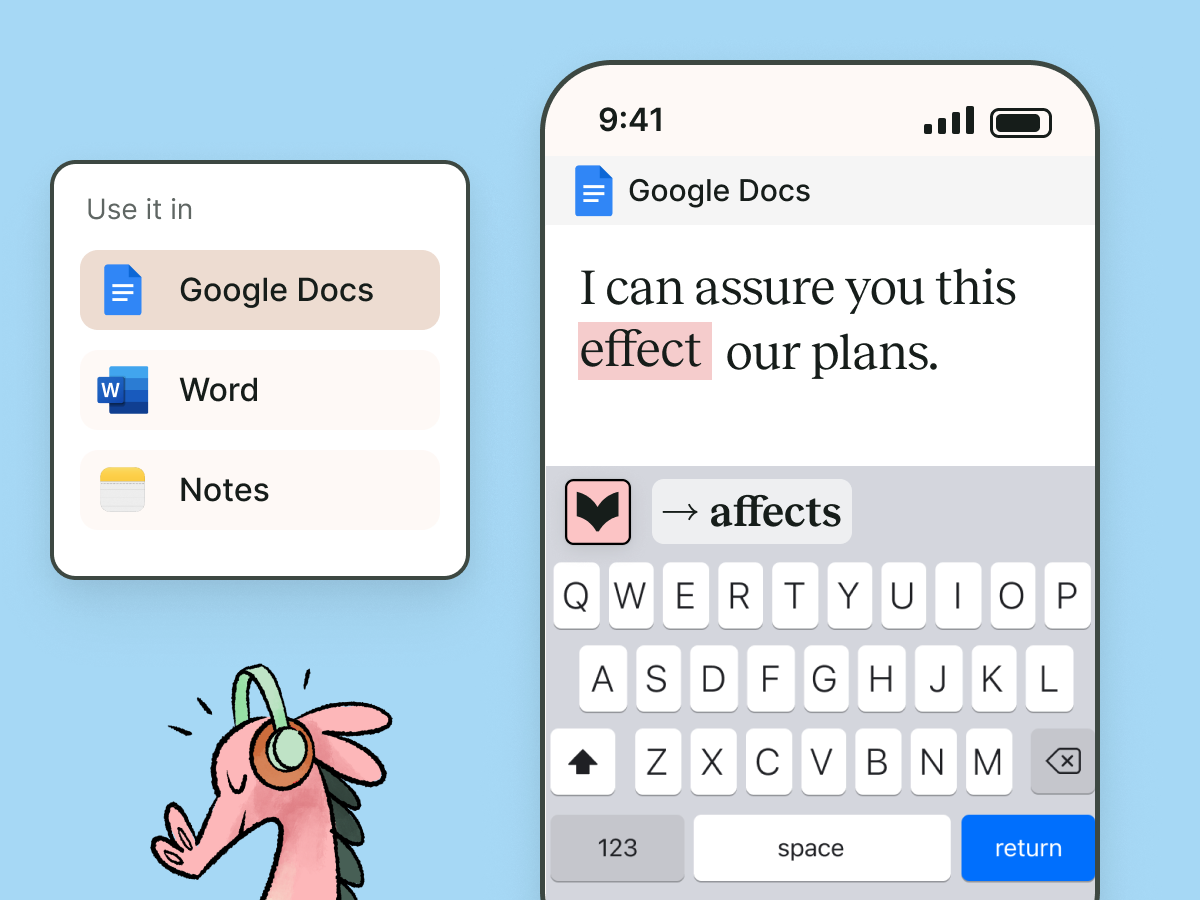
⌨️ ProWritingAid keyboard
Use the ProWritingAid keyboard in Google Docs, Word, and other mobile apps to see suggestions while you write. Make quick changes without copying your work into another editor.
👀 Review on the go
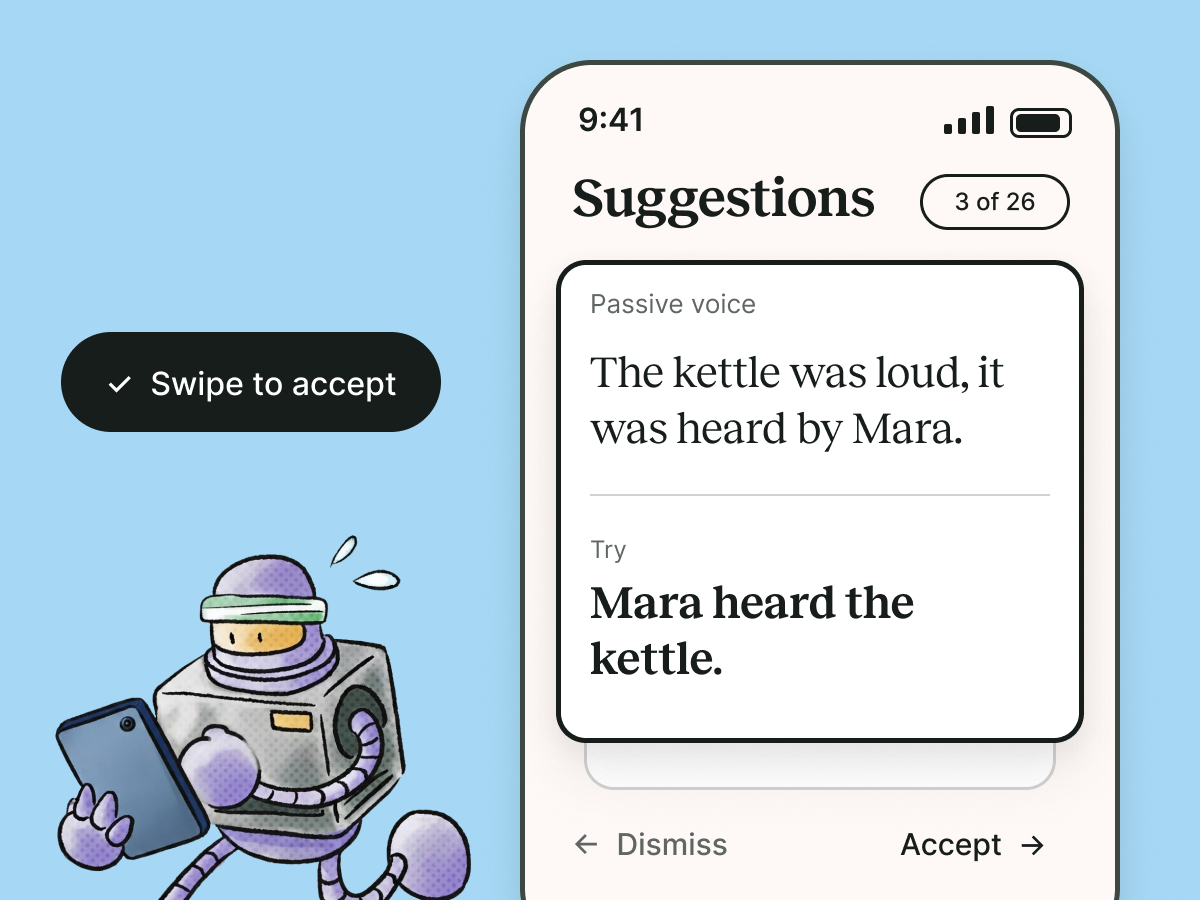
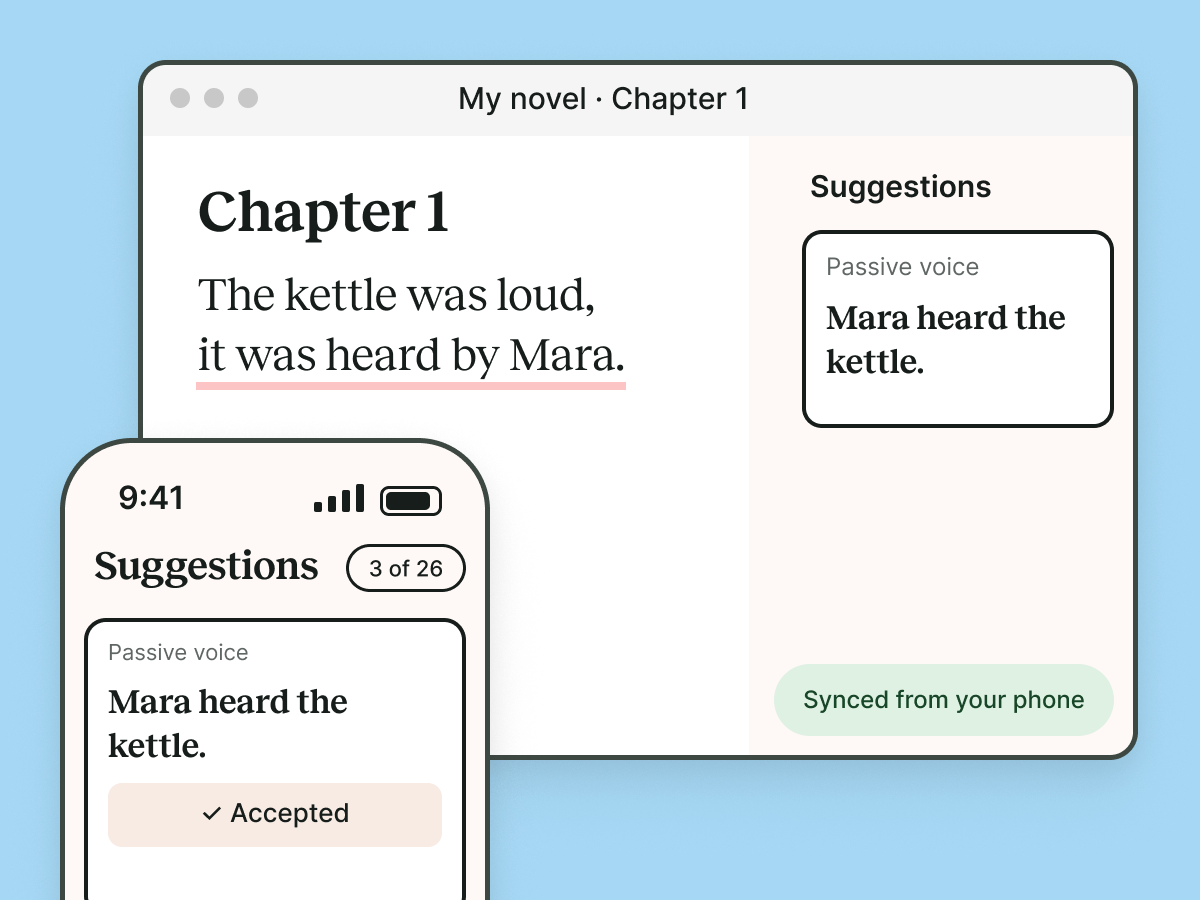
Open the ProWritingAid app and move through suggestions one by one. Swipe to accept or dismiss each change, so you can polish your work from your phone.
🎧 Listen to your writing
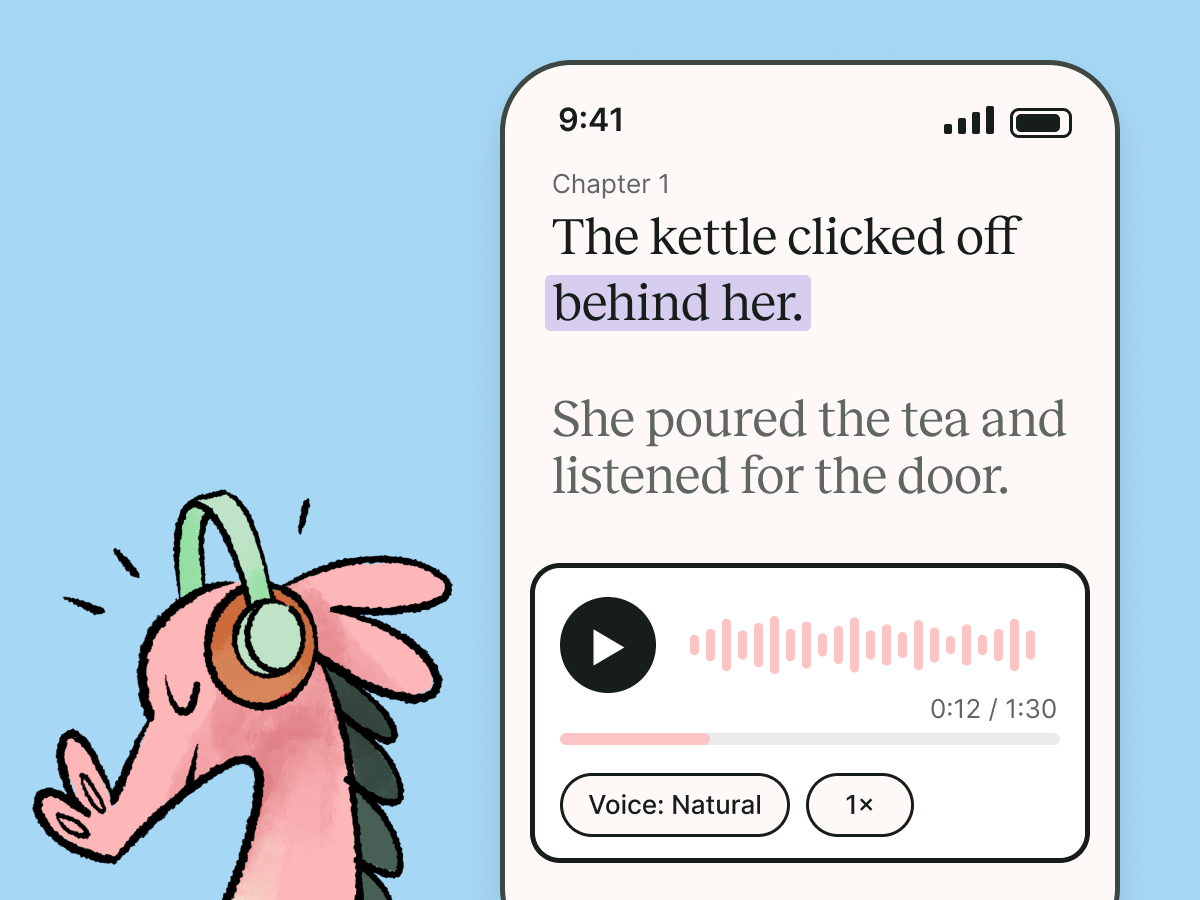
Hear your draft read aloud and listen for repetition, missing words, or sentences that don’t sound quite right. Pause when something catches your ear, then return to the text to decide what to change.
📱 Keep your writing in sync
Your writing and changes stay synced between the ProWritingAid app and desktop editor. Start a review on your phone, then continue on desktop without losing your place.
Our approach to helping writers succeed
Craft grows through practice. Habit keeps that practice going. Mindset helps it last. Together, they form the ProWritingMethod—a complete approach to helping you succeed as a writer.

Hone your craft
Improve your writing with feedback on your real manuscript. As your craft grows, every writing session becomes more rewarding—making it easier to build lasting habits.
Build consistent habits
Writing improves through consistency. Regular practice helps you hone your craft, while momentum keeps you moving toward your goals.

Strengthen your mindset
Every writer faces doubt. Build the resilience to keep writing through setbacks, so your habits stay strong and your craft continues to grow.