Shape your idea into a story you believe in
Story Canvas helps you take a rough idea and shape it into a structured story foundation through guided questions and instant feedback.
Build your story from the very beginning
Most stories don’t start finished—they start messy. Whether you’ve got a single spark or a half-formed plot, Story Canvas helps you turn it into something real.
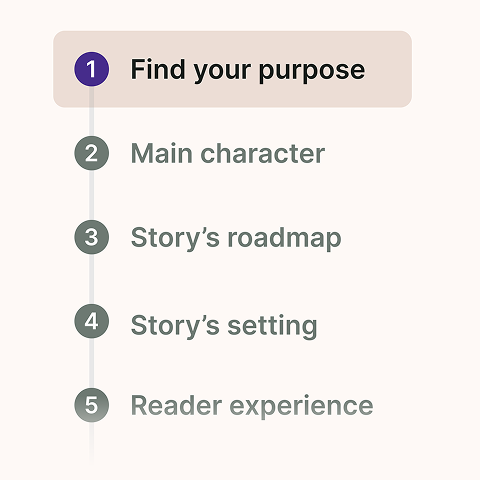
Shape your story as you go
Work through simple, structured questions that help you explore your plot, characters, and world—without needing to “already know” the answers.
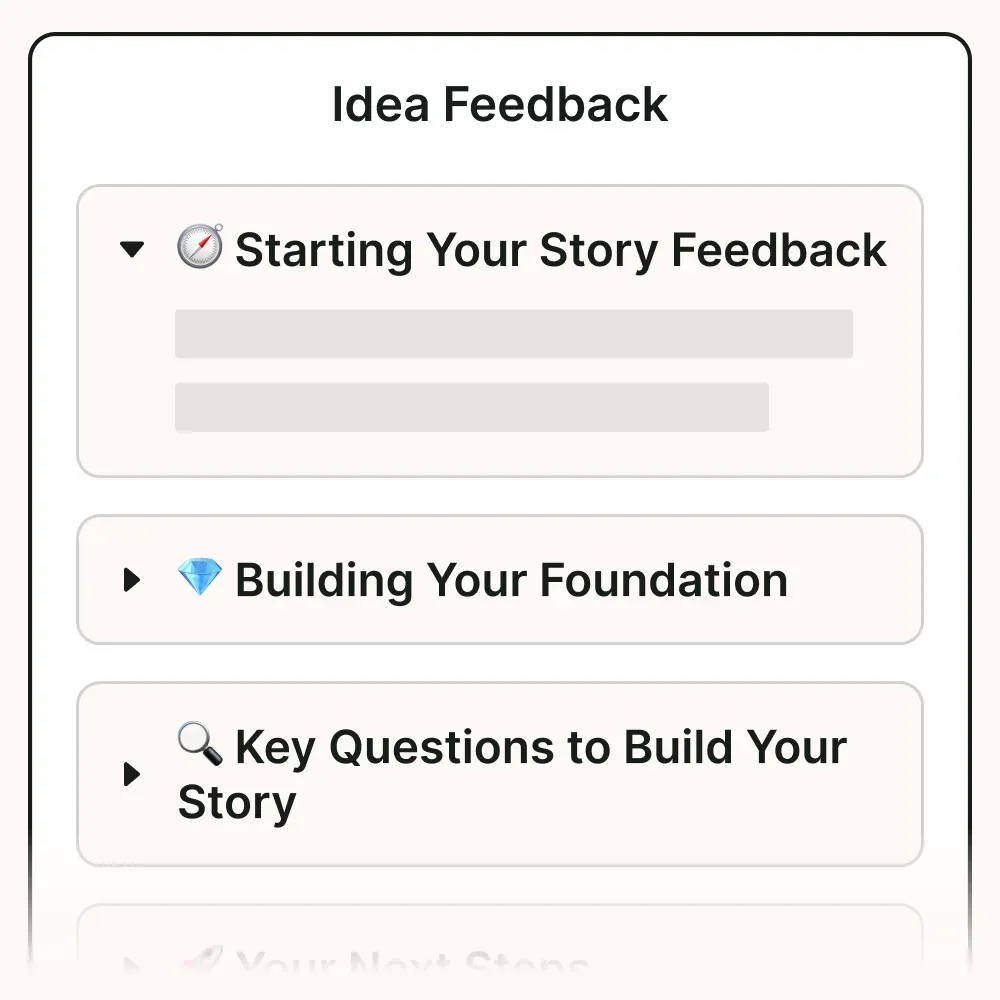
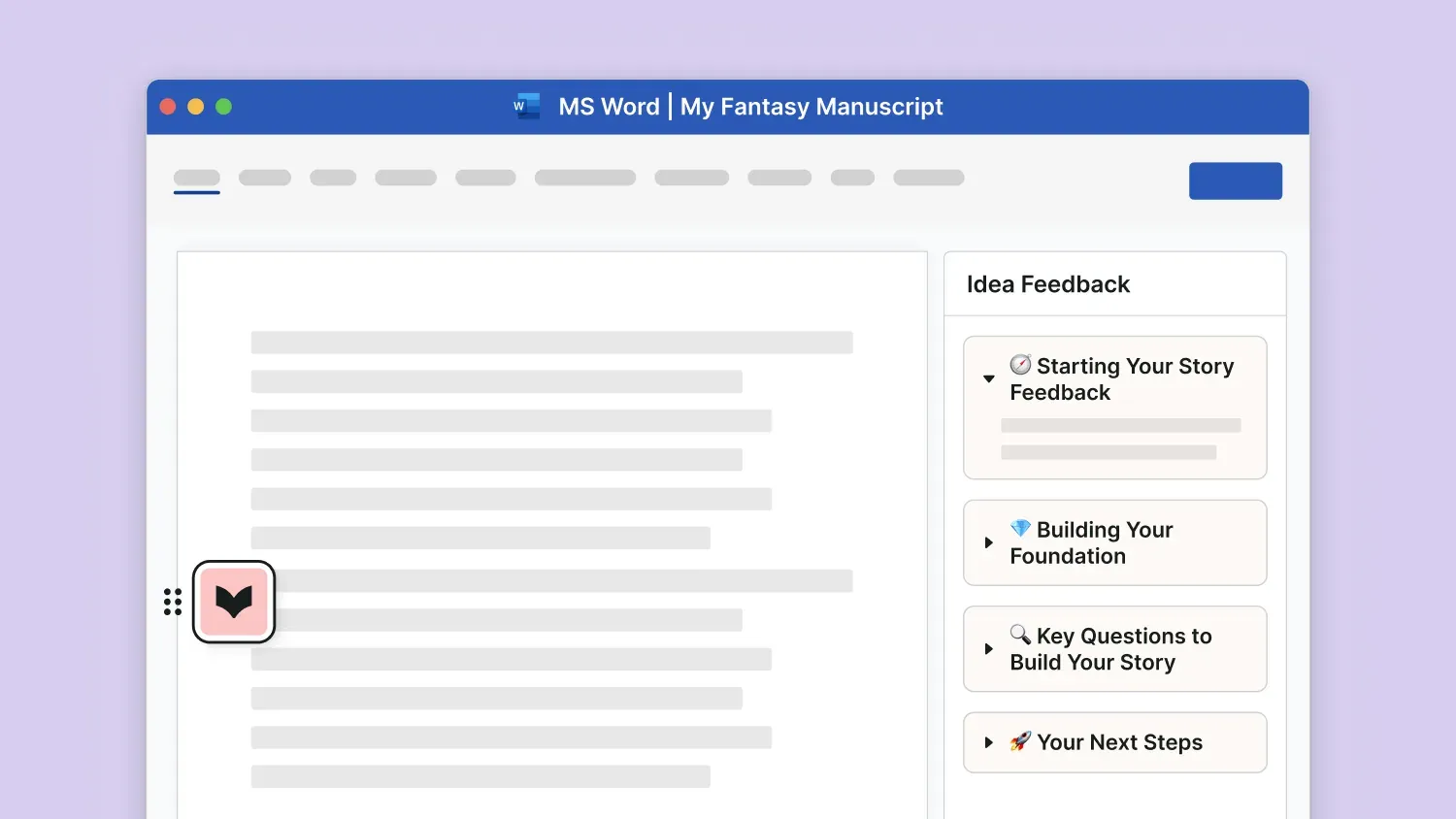
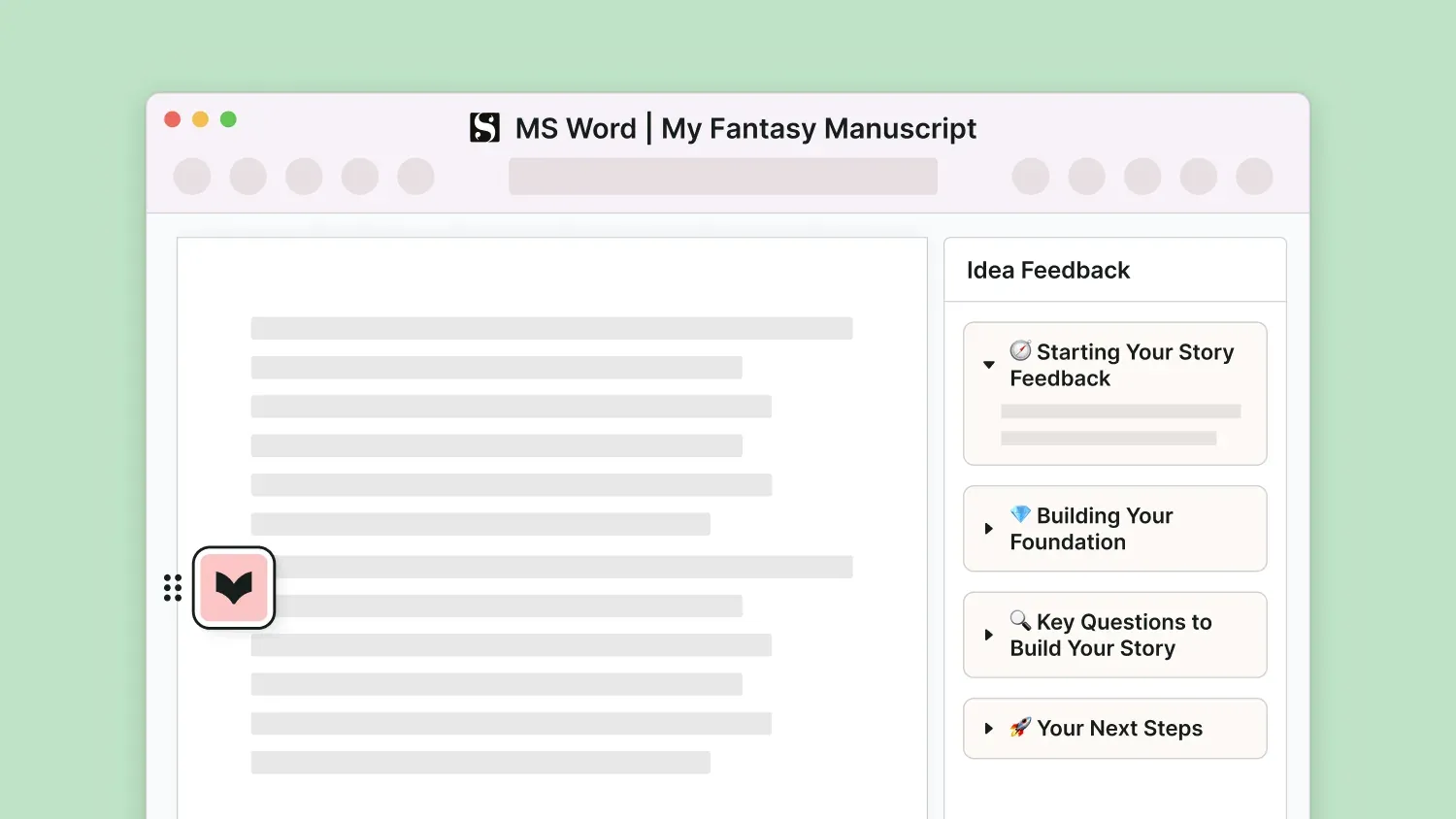
Instant idea feedback
Get real-time insight into what’s working, what’s missing, and where your story could go next.
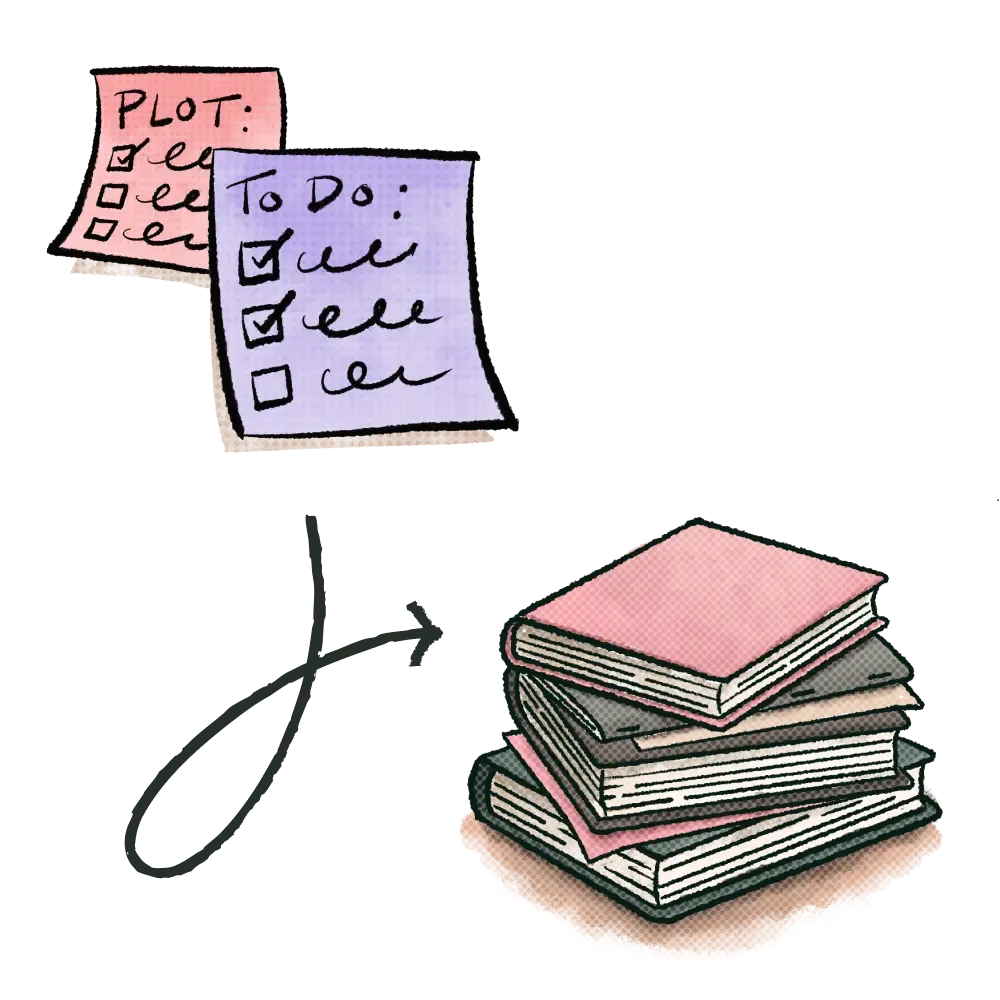
A clear path from idea to draft
See your story take shape as you build, so you can move into drafting with a clearer sense of direction.
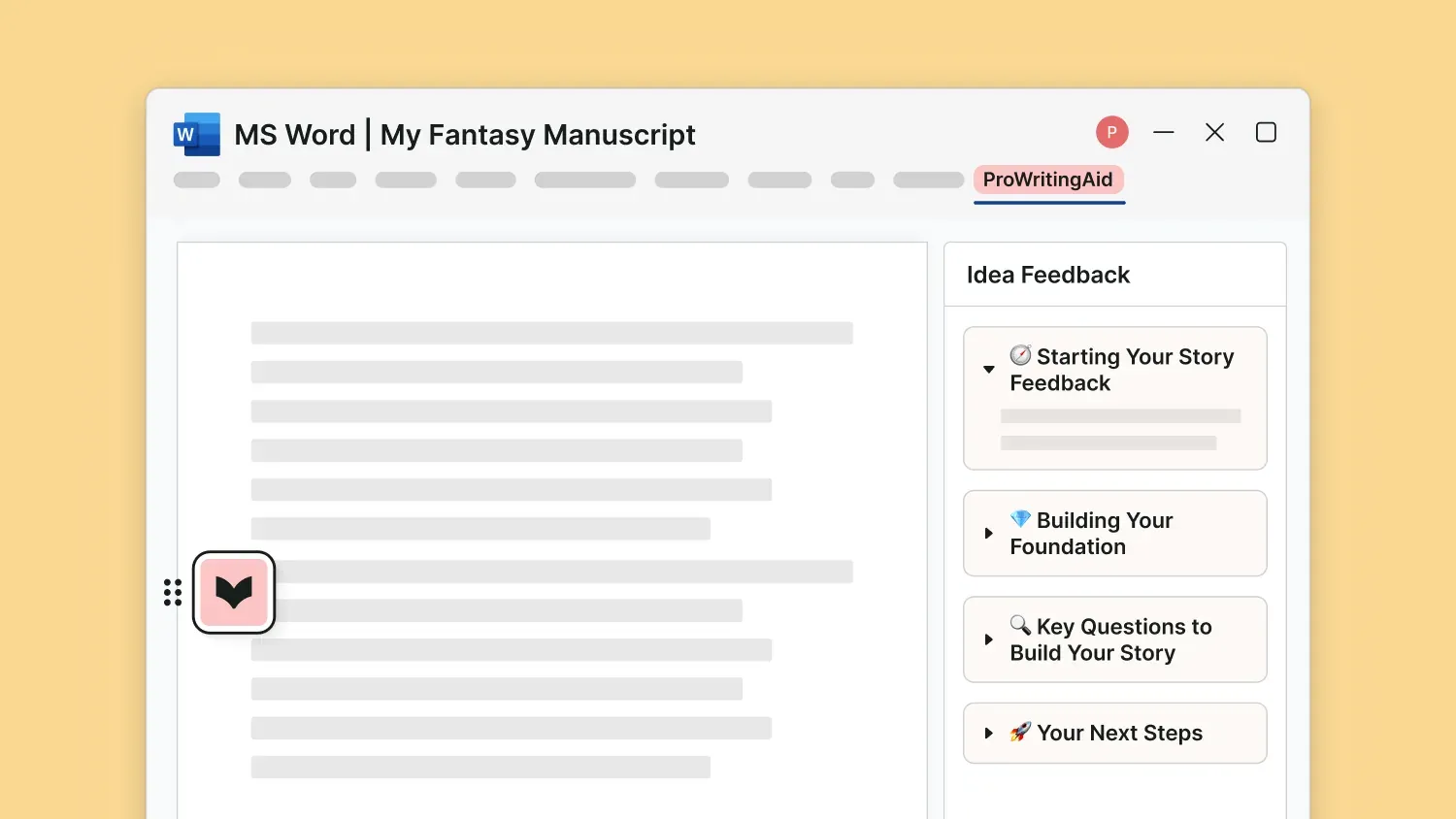
Works in your writing app of choice
Story Canvas is currently available in our Web Editor and online extensions. It is coming soon to all our integrations.
Story Canvas FAQs
How does Story Canvas work?
Story Canvas works in two parts: guided planning and idea feedback.
First, you answer a series of questions about your story’s core elements, including character, setting, direction, and reader experience. Once you’ve filled in your Canvas, you can generate an Idea Feedback Report to get insights on what’s working, what needs development, and possible next steps for your story.
What kind of feedback does Story Canvas provide?
Story Canvas gives you feedback on the strengths of your story idea, areas that feel underdeveloped, opportunities to deepen your story, and suggestions for where to go next.
Where can I use Story Canvas?
Story Canvas is currently available in the ProWritingAid Web Editor and online extensions. It will be coming to all our integrations in the near future.
Is Story Canvas free?
Yes. Story Canvas is available to all users on Free, Pro and Premium Pro plans.
How does Story Canvas use AI?
Story Canvas uses AI to analyze the information you share about your story and generate tailored feedback on your idea’s strengths, clarity, and development opportunities. All of our AI systems are built by our in-house teams, with direct input from real writers.
Does Story Canvas store my data?
Your data is safe with us. We use bank-level security to protect your work, and we never use your text to train our algorithms or AI systems.
Our approach to helping writers succeed
Craft grows through practice. Habit keeps that practice going. Mindset helps it last. Together, they form the ProWritingMethod—a complete approach to helping you succeed as a writer.
Hone your craft
Improve your writing with feedback on your real manuscript. As your craft grows, every writing session becomes more rewarding—making it easier to build lasting habits.
Build consistent habits
Writing improves through consistency. Regular practice helps you hone your craft, while momentum keeps you moving toward your goals.
Strengthen your mindset
Every writer faces doubt. Build the resilience to keep writing through setbacks, so your habits stay strong and your craft continues to grow.