Desktop Everywhere for Mac and Windows
Get editing suggestions and advanced analysis directly in MS Word, Scrivener, Apple Pages, and all your favorite writing apps installed on your Mac or Windows computer.
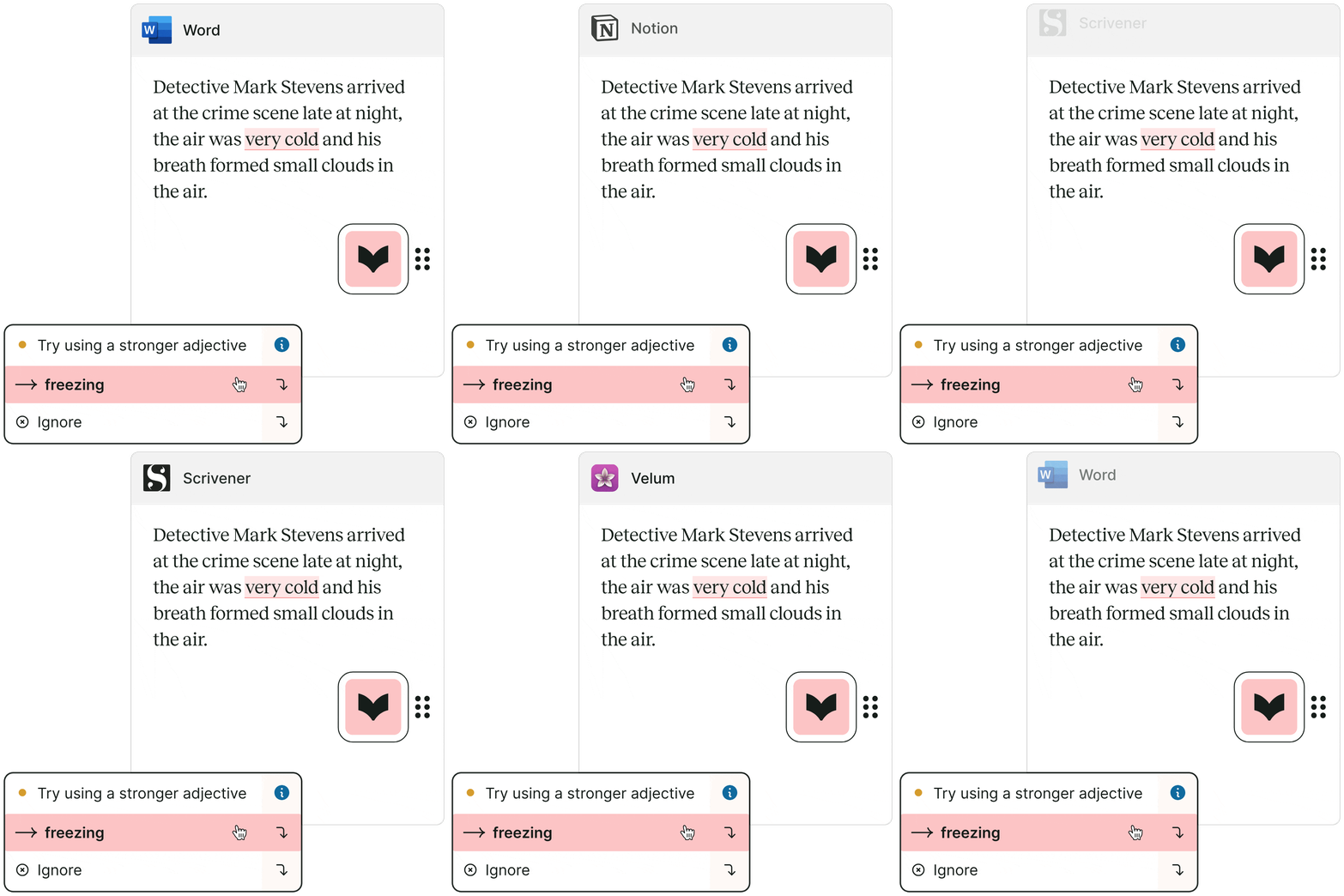
How It Works
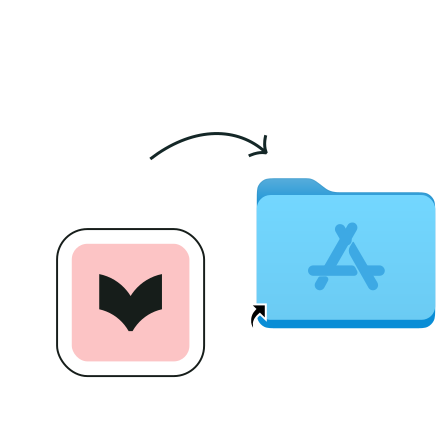
Download the integration
Download Desktop Everywhere on your computer and follow the on-screen prompts.

Open your writing app
Look for the ProWritingAid icon. If the icon is pink, ProWritingAid has found potential improvements. It will turn green after you’ve made the changes.
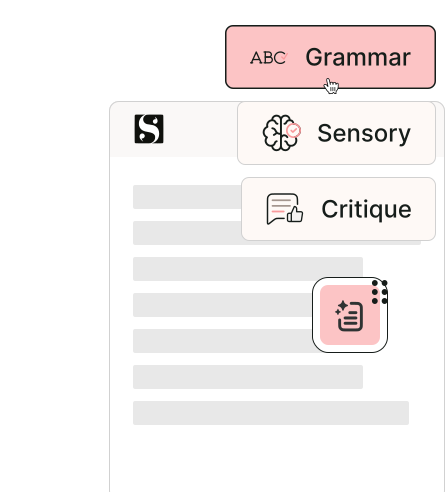
Get in-depth writing analysis
Improve the style, clarity, and immersiveness of your writing with 25+ advanced reports by clicking the "Report" icon from the menu.
I am continually impressed with the positive input this program offers me every time I sit down to write. My skills have improved immensely since I bought it, and I heartily recommend it to anyone who wants to have more confidence in their own writing.

Ginger Wakem
I've tried every free and paid writing/editing/grammar extension out there, and this by far is the best one my team and I have found. It's fast, accurate, and really helps improve your writing beyond simple grammar suggestions.

Joel Widmer
ProWritingAid has been a resource in my writer toolkit for many years. The program helps me to craft and clarify my stories for a better reader experience. Your editor will thank you for making their job easier.

Siera London
All the features you love, available in your favorite desktop apps
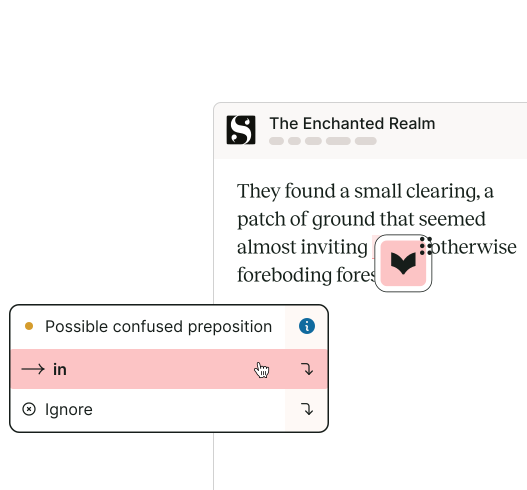
Real-time writing suggestions
Our real-time AI suggestions help you make improvements to the style and grammar of your writing anytime, anywhere.
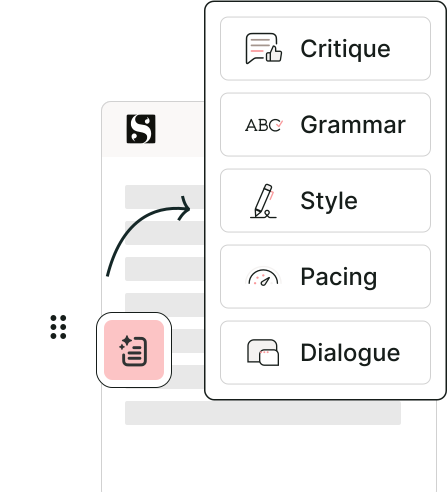
In-depth writing analysis from 25+ reports
Evaluate your writing for readability, overly complex sentences, repeated words and phrases, sensory language, and more with just a few clicks.
Write without interruption
Turn on "focus mode" to avoid distractions while you're drafting.


Feedback whenever (and wherever) you need it
Easy access to Story Critique including Chapter Critique, Manuscript Analysis, Virtual Beta Reader, and Marketability Analysis, giving you actionable feedback on your writing whenever you need it.
Works Wherever You Do
Get writing suggestions and writing reports across all the desktop apps you use.


Frequently Asked Questions
How do I install ProWritingAid Desktop Everywhere for Mac?
You can install ProWritingAid Everywhere for Mac by selecting ‘Download for Mac’ on this page or visiting your Dashboard when signed into your account.
Open the downloaded file then drag and drop the ‘ProWritingAid Everywhere’ app into your ‘Applications’ folder.
A new window will appear, stating ‘ProWritingAid is ready for you to use’. You will need to log in or sign up to your account before you can use ProWritingAid Desktop Everywhere for Mac.
You can also read our full installation instructions.
How do I install ProWritingAid Desktop Everywhere for Windows?
Install ProWritingAid Everywhere by selecting ‘Download for Windows’ on this page or visiting your Dashboard when signed into your account.
Open the downloaded file and a new window will appear. Tick the checkbox to agree to the license terms and conditions, then click ‘Install’.
Once the installation is complete, a new window will state ProWritingAid is ready for you to use’. You will need to log in or sign up to your account before you can use ProWritingAid Desktop Everywhere for Windows.
You can also read our full installation instructions.
What version of Windows does the Desktop Everywhere work on?
Because Desktop Everywhere for Windows uses features of the latest Microsoft Operating Systems to work, you need to be running at least Windows 10, version 1903 (or newer) or Windows 11.
Please check your version of Windows before installing.
What version of Mac does the Desktop Everywhere work on?
Desktop Everywhere for Windows requires you to be running MacOS 11 or later.
Please check your version of MacOS before installing.
How do I control where Desktop Everywhere works?
You can disable Desktop Everywhere for Mac within any app from the settings. Click the gear icon from the menu to see options.
To write without suggestions, click the "eye" icon from the menu to enable focus mode. Click the "closed eye" icon to turn focus mode off and see suggested improvements.
How do I uninstall Desktop Everywhere for Mac on my computer?
Find ProWritingAid Everywhere for Mac in your applications list.
Right click on ProWritingAid Everywhere for Mac and select "Move to Trash."
How do I uninstall ProWritingAid Desktop Everywhere for Windows on my computer?
Go to your computer's control panel.
Choose Programs and Features from the options in Control Panel. You will see a list of your installed programs.
Select ProWritingAid Everywhere, and click the Uninstall button.