Edit in Scrivener With Ease
Get editing suggestions and advanced analysis directly in Scrivener, MS Word, Apple Pages, and all your favorite writing apps.

How it works
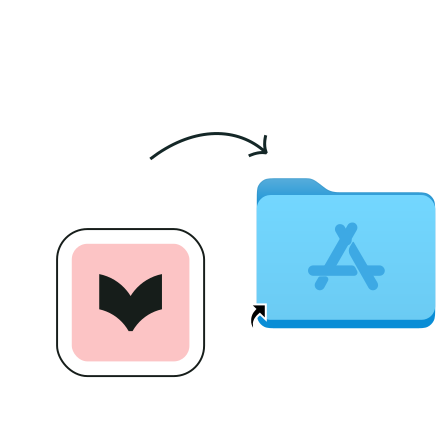
Download the integration
Download Desktop Everywhere for Mac on your computer and follow the on-screen prompts.
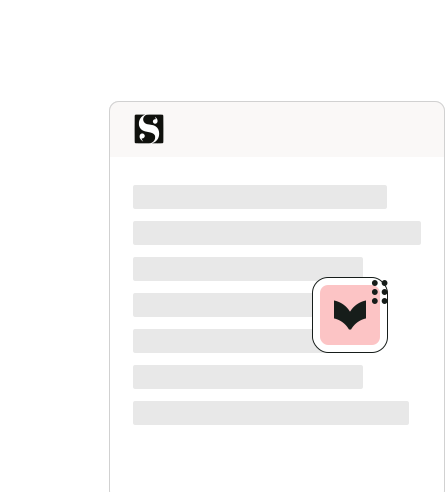
Open your writing app
Open your writing app and look for the movable ProWritingAid icon. The icon turns orange when it finds improvements and green when it finds none.
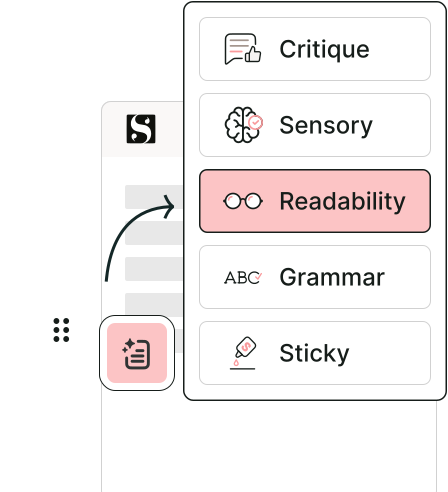
Get in-depth writing analysis
Improve the style, clarity, and immersiveness of your writing with 25+ advanced reports by clicking the "Report" icon from the menu.
All the features you love, available in your favorite desktop apps
Real-time writing suggestions
No more closing your project or exporting files. ProWritingAid integrates directly into your active Scrivener window for real-time corrections as you write.
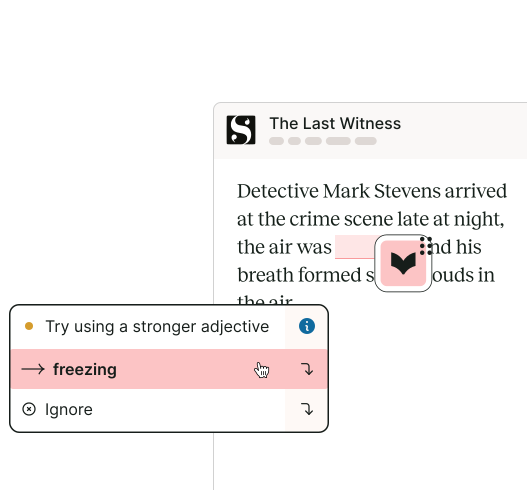
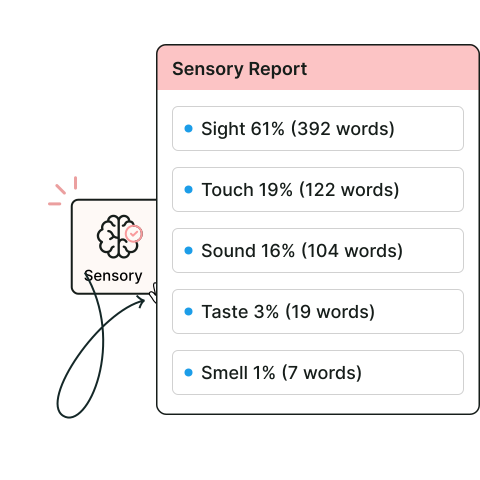
In-depth writing analysis from 25+ reports
Evaluate your writing for readability, overly complex sentences, repeated words and phrases, sensory language, and more with just a few clicks.
Write without interruption
Turn on "focus mode" to avoid distractions while you're drafting.

Works wherever you write
Get writing suggestions and reports across all the apps you use.


